Openers · Lansing
Garage Door Remote and Keypad Programming in Lansing
After the move, the previous owner's remotes are somewhere in another city and the keypad on the outside wall wants a code nobody wrote down.
In plain words
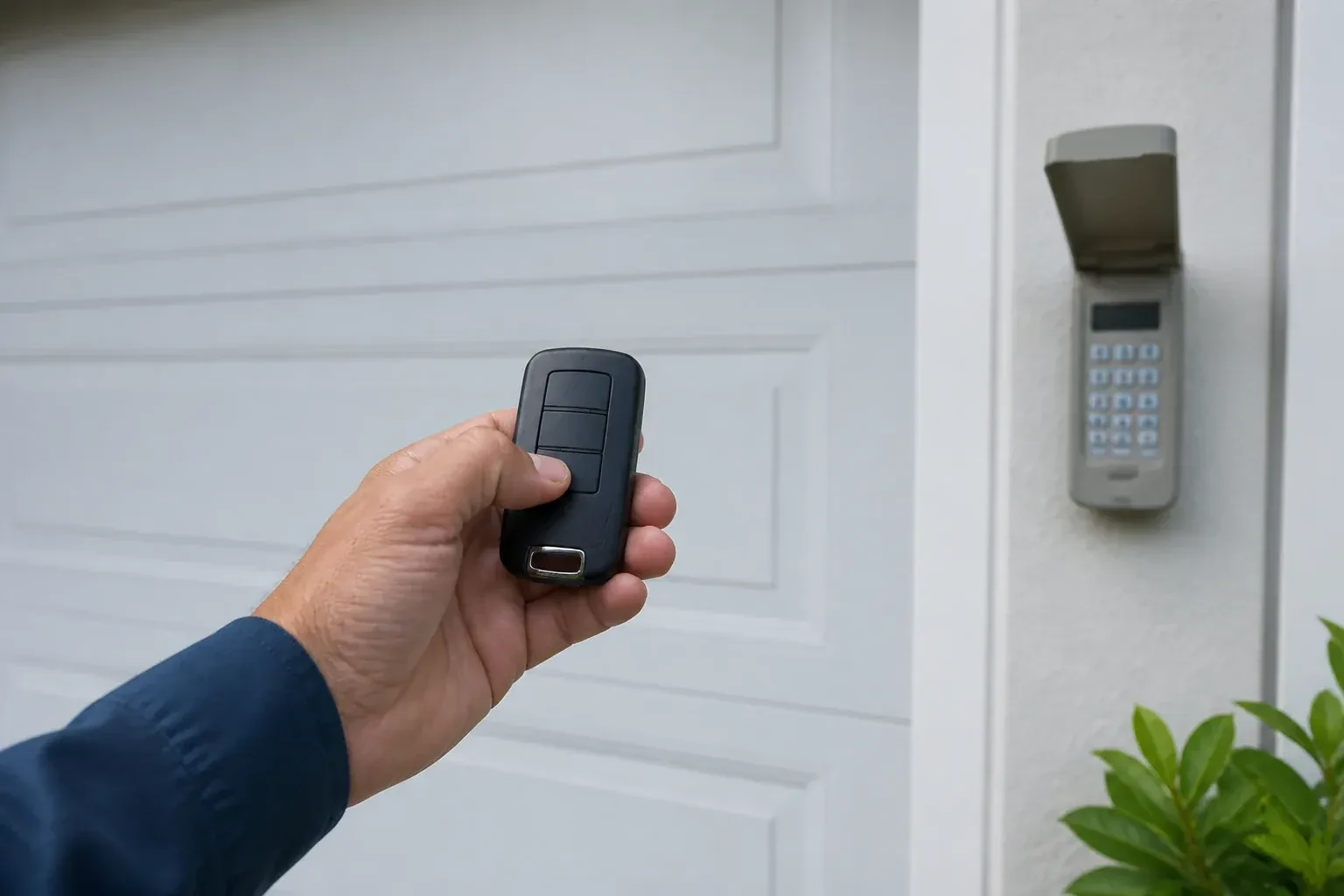
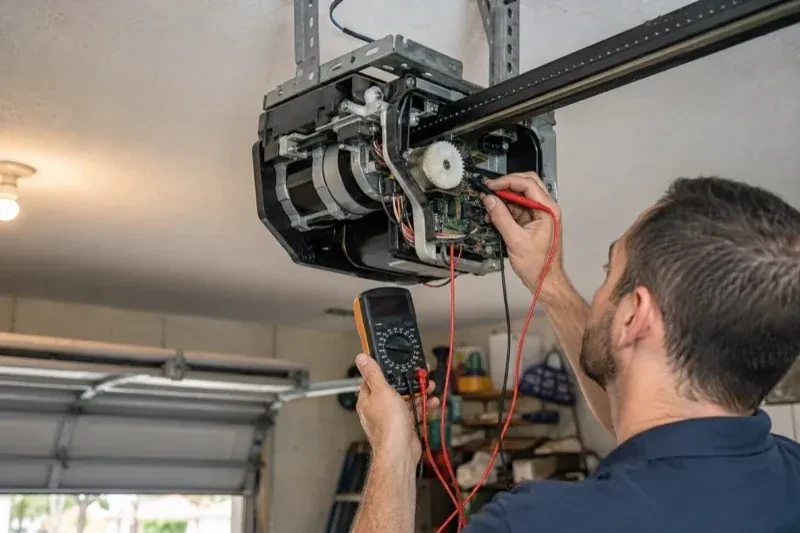
Not every dead remote needs programming, so the visit starts by ruling out the simple things. The wall control may be in lock mode, which tells the opener to ignore all remotes and shows as a blinking indicator. The coin cell may be flat, or its contacts corroded. LED bulbs in the opener's own sockets can drown the radio signal so the remote works only at arm's length. The antenna wire may be tucked away. A known-good remote is tested against the receiver, and only when the receiver answers it does programming of your controls begin.
How the visit goesYour remote was in the visor when the car was broken into last night. So was the insurance slip with your address on it. The door still answers that remote, wherever it is now, and you would very much like it not to.
Garage Door Remote and Keypad Programming
How the visit goes
Vehicle buttons and phone apps
Cars with built-in garage buttons and openers with a phone connection are part of the inventory too. The technician asks which vehicles are programmed, whether a new car needs training, and whether a previous owner's phone might still be linked to a connected opener. For a vehicle, the model year matters, because some older in-car systems need a small compatibility module to talk to newer openers. For an app, the account should be in the household's name. Each of these is a control like any other and gets the same test at the door, so the check lists them alongside the handheld remotes and the keypad.
Clearing the memory and starting fresh
When a remote is lost or stolen, or the household has just moved in, the stored controls are wiped. The technician follows that model's own erase sequence, whether a single held button or a multi-button combination, until every remote, keypad code and vehicle button the opener knew is forgotten, including any the household never saw. Unplugging the unit would not have done this; only the correct sequence does, and a connected app or account is checked separately. Then the controls the household actually holds are programmed back one at a time, the keypad is given a new code, vehicles are retrained, and the door answers to a known and complete set of controls.
Codes kept private, visitors kept temporary
Your keypad code is yours alone. It is not written on the invoice or left in the garage, and it is chosen to be something other than the house number or a birth year. On keypads that support them, you have learned to set a temporary code for a cleaner, a trade or a house-sitter that stops opening the door after a set number of hours or uses, and you know how to change the main code yourself from the instructions. If a code is ever shared too widely, changing it is a two-minute job rather than a service call.
Garage Door Remote and Keypad Programming
In the van
Multi-door keypad
Contact cleaner and fibreglass brush
AAA and nine-volt keypad batteries
In-vehicle compatibility bridge module
CR2032 and CR2016 coin cells
Garage Door Remote and Keypad Programming
What affects the quote
Range and interference work
Swapping bulbs, freeing the antenna and re-testing range from the street is a small addition when remotes work only up close.
Opener check-up before programming
Confirming power, lock mode, sensors and door travel is included; any repair those checks reveal is discussed and quoted before it is done.
Add-on receiver for an older opener
Converting a fixed-code opener means a receiver kit, wiring to the wall-button terminals and new remotes, quoted as an upgrade rather than a programming call.
What to have ready
- Does the opener connect to a phone app, and whose account is it under?
- Do you own the home, rent it, or is the garage shared with other units?
- Are you adding a control, replacing a lost one, or starting fresh after a move?
Garage Door Remote and Keypad Programming: questions
QuestionsHow is the keypad code chosen and can I change it later?
You choose it at programming time: four digits on many keypads, three to eight on others. Avoid the house number, a birth year or a repeated digit. The code is entered into the keypad, confirmed at the opener, and kept off the paperwork. Changing it later follows the instructions for your model and takes a couple of minutes, and the technician can show you the sequence before leaving.
Why does my remote work only when I am right under the door?
Short range is a signal problem, not a pairing problem. LED bulbs in the opener's own sockets can emit radio noise that swamps the receiver, an antenna wire tucked into the housing cannot hear well, and a coin cell near the end of its life transmits weakly before it dies. Swapping the bulb, letting the antenna hang free and fitting a fresh cell usually restore range; if not, the receiver is checked.
What is the learn button and where is it?
It is a small button on the head unit, usually under the light cover on the same side as the antenna wire, sometimes on the back. Pressed briefly, it opens a window in which a remote or keypad can be added. Erasing every stored control follows that model's own sequence, which on some current openers needs more than one button. Some wall-mounted controls carry a second learn button that works the same way, and a connected app or account is managed on its own.
Related services
- Chain-Drive Opener RepairThe rail shakes when the door runs.
- Belt-Drive Opener RepairThe belt looks fine from a distance, but up close the rubber has cracked across the back in dozens of places and, in one spot, you can see the steel cords showing through.
- Garage Door Opener ReplacementDuring the ice storm the power was off for two days.