Openers · York Mills
Garage Door Remote and Keypad Programming in York Mills
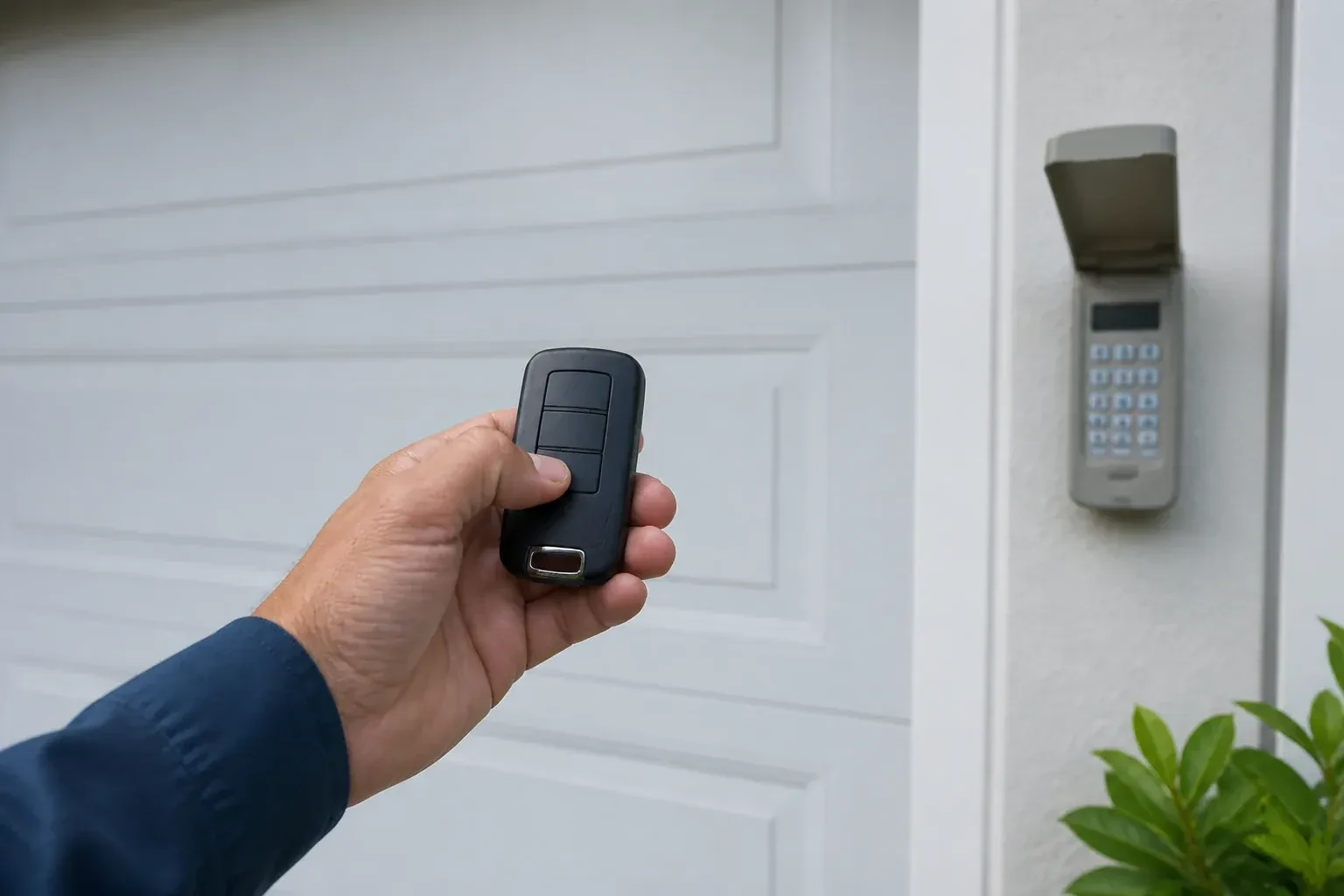
After the move, the previous owner's remotes are somewhere in another city and the keypad on the outside wall wants a code nobody wrote down.
In plain words
When you move into a house, or a remote goes missing, the question is who else can open the door. The answer lives in the opener's memory, and the technician can wipe it clean, following that model's own erase sequence to clear every remote and keypad code stored, including ones you have never seen. Unplugging the opener does not do this; only the correct sequence does. Your own remotes, the keypad with a code you choose, and any vehicle buttons are then programmed back one by one, and a connected app or account is checked too, so the door answers only to controls your household holds.
How the visit goesThe new car has three buttons in the mirror for garage doors. You held the old remote up to it as the manual said, the light in the car changed, and yet the door ignores it completely. The handheld remote works fine.
Garage Door Remote and Keypad Programming
How the visit goes
Batteries and contacts before anything else
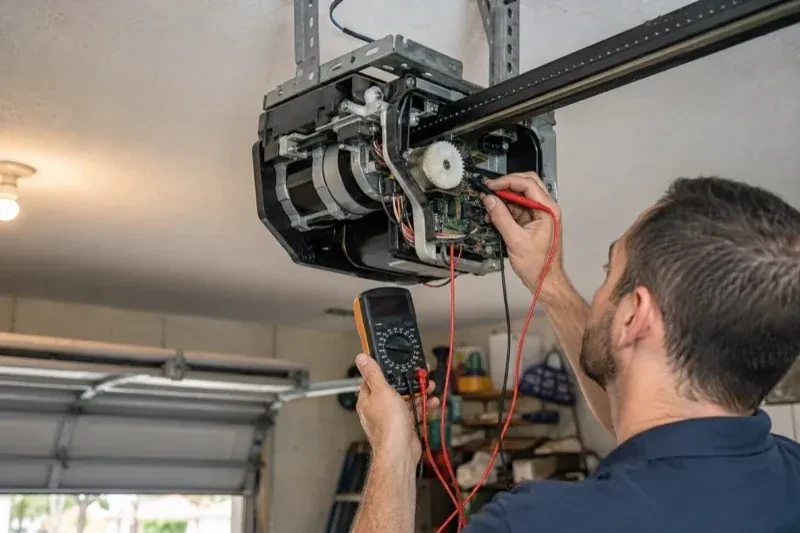
A surprising share of dead remotes are simply hungry. The technician opens each remote and keypad, reads the cell type printed inside, and checks voltage and contacts. Coin cells lose strength gradually, so a remote that works only up close is often on its last legs rather than out of range. Outdoor keypads run on small cells that sag in the cold and on contacts that salt spray and condensation corrode over a few winters. Fresh cells of the specified type and a cleaned contact are fitted before any programming attempt, because a weak transmitter can fail to pair even when everything else is right.
Clearing the memory and starting fresh
When a remote is lost or stolen, or the household has just moved in, the stored controls are wiped. The technician follows that model's own erase sequence, whether a single held button or a multi-button combination, until every remote, keypad code and vehicle button the opener knew is forgotten, including any the household never saw. Unplugging the unit would not have done this; only the correct sequence does, and a connected app or account is checked separately. Then the controls the household actually holds are programmed back one at a time, the keypad is given a new code, vehicles are retrained, and the door answers to a known and complete set of controls.
Every control tested in your hand
Before the technician leaves you operate each device yourself: the remote from each car, the keypad with your new code, the vehicle button from the driver's seat, the wall control. You see the door open fully and close to a gentle seal from each one. If a remote has two or three buttons, you know which door or gate each drives, and a small label says so. You also watch the reversal tests performed, so you know the door backs off an obstruction and stops for the sensor beam. Nothing is left as something to try later on your own.
Garage Door Remote and Keypad Programming
In the van
Multi-door keypad
Contact cleaner and fibreglass brush
AAA and nine-volt keypad batteries
In-vehicle compatibility bridge module
CR2032 and CR2016 coin cells
Garage Door Remote and Keypad Programming
What affects the quote
Distance to your door
Travel is part of the visit, and a house across town and a property well outside it involve different driving time.
Keypad supplied or existing
Programming a keypad already on the wall is one task. Supplying and mounting a new one, including anchors for brick or siding, is a larger item.
Compatibility of the accessory
A remote matched to the opener's generation is programmed as it is. One of the wrong generation is swapped for a compatible or universal model, and that device is a separate line.
What to have ready
- Do you own the home, rent it, or is the garage shared with other units?
- Does the wall button move the door normally right now?
- Does the opener connect to a phone app, and whose account is it under?
Garage Door Remote and Keypad Programming: questions
QuestionsHow is the keypad code chosen and can I change it later?
You choose it at programming time: four digits on many keypads, three to eight on others. Avoid the house number, a birth year or a repeated digit. The code is entered into the keypad, confirmed at the opener, and kept off the paperwork. Changing it later follows the instructions for your model and takes a couple of minutes, and the technician can show you the sequence before leaving.
Why does my remote work only when I am right under the door?
Short range is a signal problem, not a pairing problem. LED bulbs in the opener's own sockets can emit radio noise that swamps the receiver, an antenna wire tucked into the housing cannot hear well, and a coin cell near the end of its life transmits weakly before it dies. Swapping the bulb, letting the antenna hang free and fitting a fresh cell usually restore range; if not, the receiver is checked.
What is the learn button and where is it?
It is a small button on the head unit, usually under the light cover on the same side as the antenna wire, sometimes on the back. Pressed briefly, it opens a window in which a remote or keypad can be added. Erasing every stored control follows that model's own sequence, which on some current openers needs more than one button. Some wall-mounted controls carry a second learn button that works the same way, and a connected app or account is managed on its own.
Related services
- Chain-Drive Opener RepairThe rail shakes when the door runs.
- Belt-Drive Opener RepairThe belt looks fine from a distance, but up close the rubber has cracked across the back in dozens of places and, in one spot, you can see the steel cords showing through.
- Garage Door Opener ReplacementDuring the ice storm the power was off for two days.